Today I am sharing a project I built over the holidays. Trivet is a free service that adds Google sign-in to blogs powered by Ghost. You can install the hosted service at trivet.contraption.co, or download the source code on GitHub to run it yourself.
I built Trivet for this website because I want it to be easier for people to sign in. I have been using Ghost as my content management system for almost a year and a half, and I like that it is a streamlined, "omakase" blogging platform.
Ghost's built-in authentication flow relies on email verification links. It works, but feels higher-friction than it should. In my experience building web apps, Google sign-in is easier, and it usually leads to higher signup rates. That is why so many products support Google sign-in - it is a widely-adopted best practice.
The idea for Trivet started while I was reading Ghost's source code, where I came across an API that allows admins to generate member sign-in URLs. This function allows any integration to generate a member login link, which I realized could be used to build a separate login flow.
Trivet functions as a small middle layer between Google sign-in and a Ghost site:
- A visitor signs in with Google
- Google redirects the authenticated user to Trivet
- Trivet checks whether that email already exists in Ghost.
- If it does not, Trivet subscribes them.
- Trivet uses the Ghost Admin API to generate a one-time sign-in URL.
- Trivet redirects the visitor to this url, signing them in.
Trivet also adds the tag Trivet to any members who use Google sign-in, so you can keep track of who is using the feature.
To kick off Google sign-in, Trivet provides a stable URL that you can link a button to. This works - but you typically only want to show sign-in buttons to logged-out users. Adding conditional logic requires editing the Ghost theme, which can be tedious.
The solution I found to simplify installation is Google One Tap. It is a Google SDK that overlays a small sign-in prompt directly on your site, allowing people to select their account in fewer clicks. If you are signed into Google, you might see it in the corner of this blog when you are signed out.
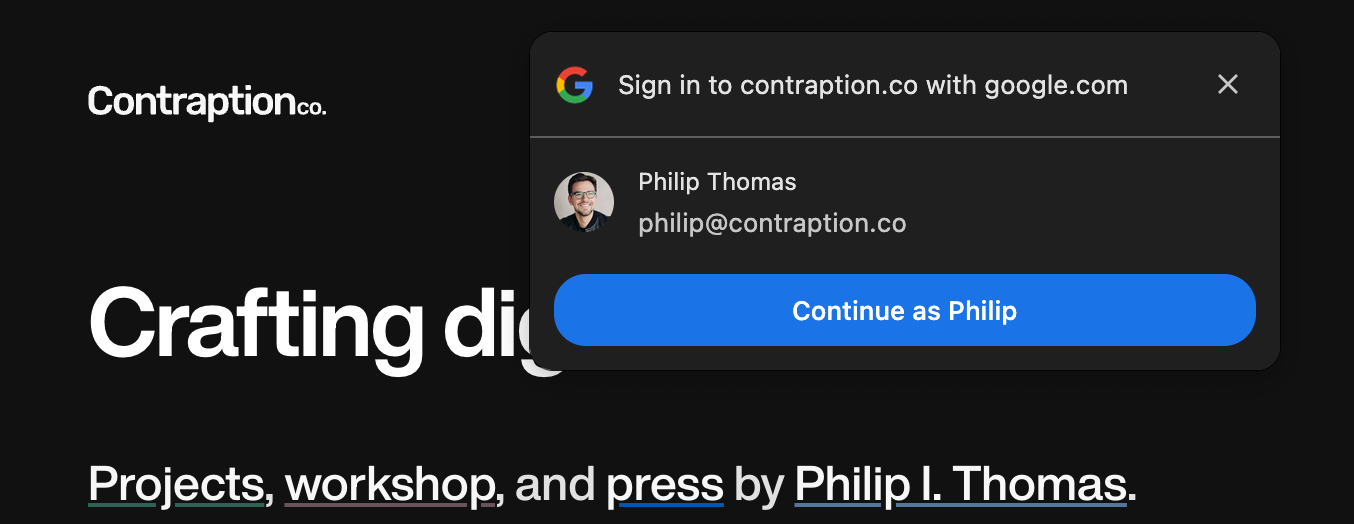
Trivet's recommended setup is Google One Tap via a single script you add via the Ghost admin panel - no theme editing required. When a visitor loads your site, the script checks whether they are signed in. If they are signed out, it loads Google One Tap. That is it.
Trivet is tested on both self-hosted Ghost blogs and Ghost(Pro). Because it is open-source, you can run it yourself.
If you use Ghost, try out Trivet and get it live on your site in a few minutes. If you do not use Ghost, check out my other projects.
Trivet was a fun holiday project for me, and a gift to the Ghost community. I will write a longer post about how I built it soon in Workshop, so stay tuned there. And, thanks to Print edition subscribers who helped support this project.